
Download PGConta – Small Business Accounting, Financial Management, Invoice Tracking, Multi-Account Management, VAT Registration, Auto-Reconciliation
Overview
PGConta — мобильное приложение, разработанное для поддержки малых и средних предприятий (МСП) в эффективном управлении их финансовыми операциями. Приложение предоставляет комплексный набор инструментов, направленных на упрощение бухгалтерских задач, позволяя бизнесу вести точный учет, выставлять счета и соблюдать налоговое законодательство. Его основная цель — оптимизация финансовых рабочих процессов через настраиваемые планы и отслеживание транзакций в реальном времени, что делает его практичным решением для предпринимателей и менеджеров, которым нужен надёжный финансовый контроль без сложности корпоративного программного обеспечения.
Приложение особенно подходит пользователям с ограниченным опытом в бухгалтерии, поскольку его интерфейс построен с учётом доступности для разных уровней навыков. Реальные сценарии использования включают управление ежедневными продажами, учёт расходов, генерацию клиентских счетов и подготовку к налоговой отчётности. Для компаний, работающих в нескольких регионах или секторах, возможность PGConta обрабатывать несколько счетов в единой среде предлагает централизованный подход к финансовому управлению. Хотя разработчик — PGCONTA — не предоставил дополнительных сведений, длительное присутствие приложения с 2015 года свидетельствует о стабильной и постоянно поддерживаемой платформе, адаптированной к меняющимся потребностям МСП. В более широком экосистеме приложений PGConta занимает нишу, предлагая лёгкую, но мощную альтернативу более сложным бухгалтерским инструментам, особенно для пользователей, которым важны простота, доступность и базовый функционал.
Key Features & Functionality
- Custom Financial Plans: Users can design tailored financial structures to match their business model, including the creation of an unlimited number of accounts. This flexibility allows businesses to organize their finances according to departments, projects, or geographic locations.
- Multi-Account Management: The app enables simultaneous oversight of multiple accounts within one interface, reducing the need to switch between platforms. This is especially beneficial for businesses with diverse revenue streams or those operating in multiple regions.
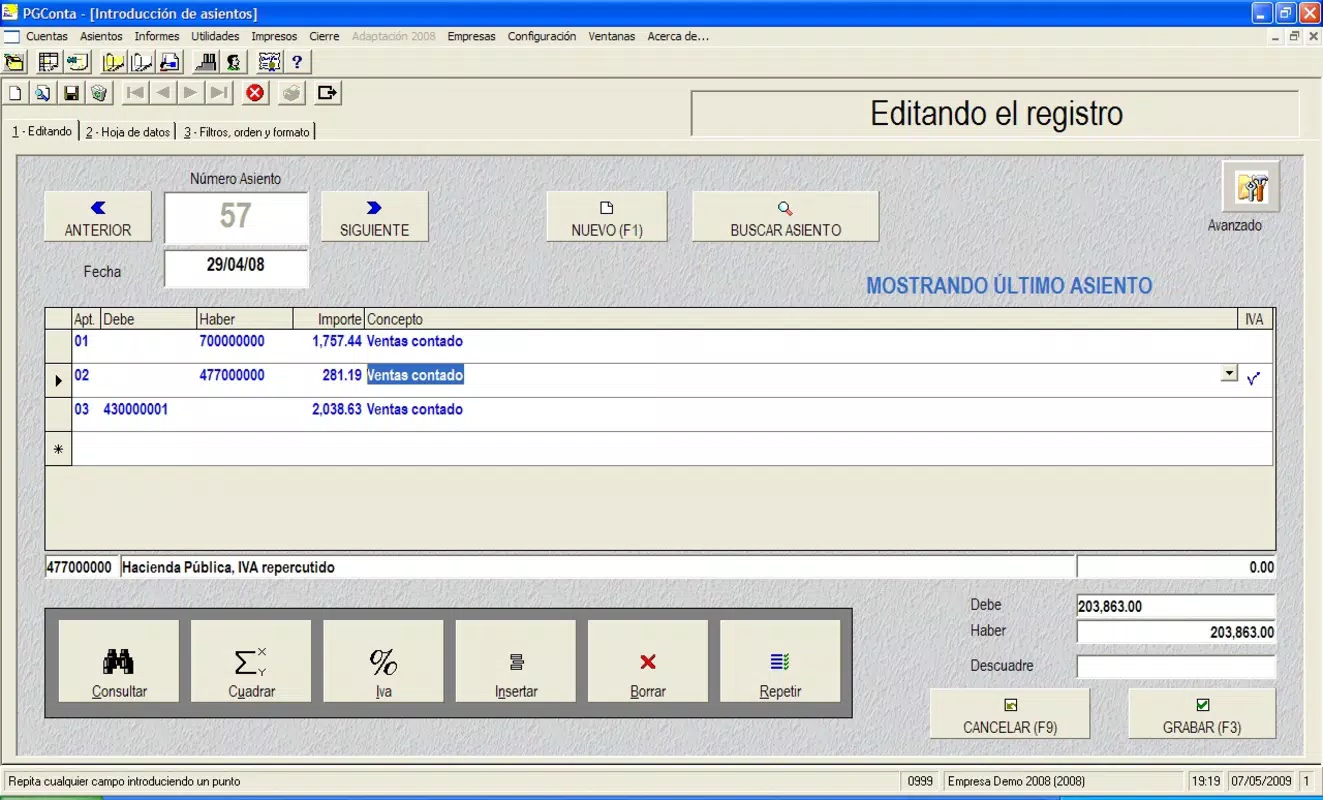
- Invoice and Transaction Handling: PGConta supports the entry and tracking of transactions ranging from 6 to 15 digits, ensuring precision in financial recording. This feature aids in maintaining detailed and accurate ledgers, which are essential for audits and financial analysis.
- VAT Registration Support: Built-in tools assist users in managing VAT-related transactions, simplifying compliance with tax regulations. The system handles registration processes and supports accurate tax calculations, minimizing the risk of errors during reporting.
- Auto-Reconciliation Features: This functionality automatically matches internal transaction records with bank statements, significantly reducing manual effort and minimizing discrepancies. It enhances financial accuracy and supports smoother audit preparation.
These features collectively empower users to maintain transparent financial records, reduce administrative overhead, and improve decision-making through reliable data. For example, a small retail business can use the app to generate client invoices, track daily sales, and reconcile bank deposits in a single workflow, saving hours of manual work.
Interface, UX & Performance
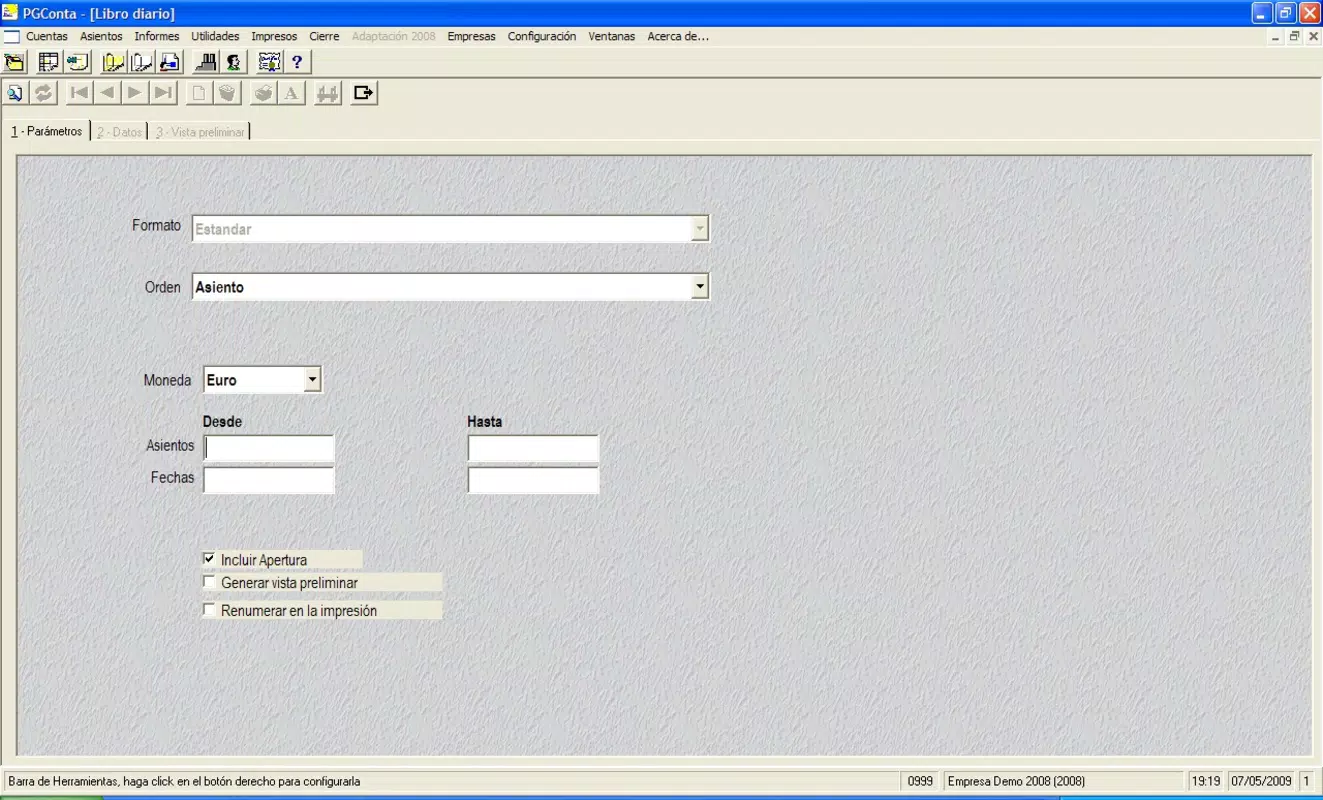
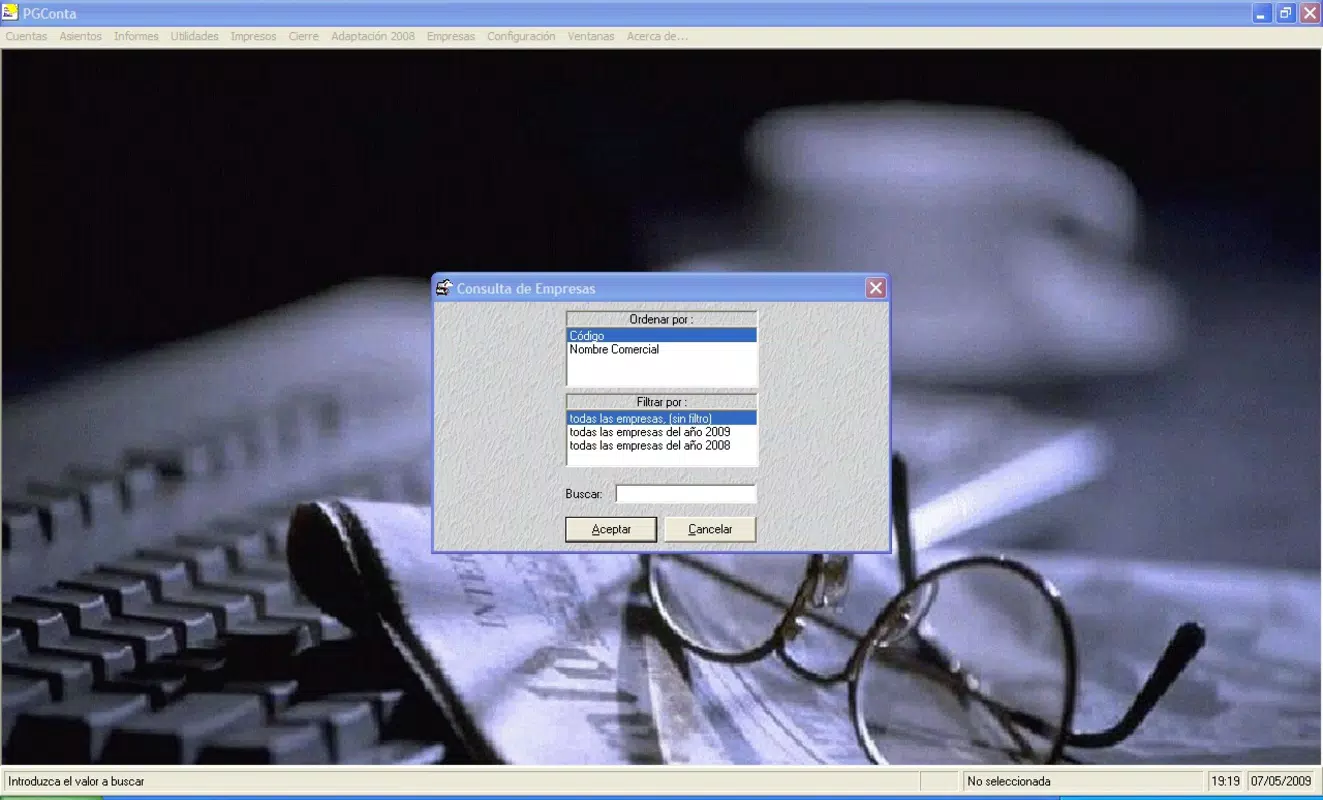
PGConta features a clean, intuitive user interface designed for ease of navigation, even for users without formal accounting training. The layout prioritizes key functions such as transaction entry, invoice generation, and account management, placing them within easy reach of the main dashboard. Visual elements are minimal but functional, focusing on clarity and readability rather than decorative design.
Navigational flow is straightforward, with logical menu structures and consistent iconography. Users can access account summaries, transaction histories, and tax-related tools with just a few taps. The app responds promptly to inputs, and although the developer did not list formal performance metrics, the lightweight size of 20.4 MB suggests optimized resource usage, which typically translates to smooth operation on mid-range and older Android devices.
While specific details on stability across device categories were not provided, the app’s long-term availability and free pricing model indicate a focus on reliability and user retention. The absence of reported crashes or compatibility issues in public forums suggests consistent performance, though individual experiences may vary based on device hardware and OS version.
Platform Compatibility & Technical Requirements
PGConta is available exclusively on the Android platform. The current version is 1.0.4, with a file size of 20.4 MB, making it a lightweight application suitable for devices with limited storage. The app is free to download and install, offering full access to its core features without in-app purchases or subscription fees.
Although the developer did not specify minimum OS requirements or compatibility details, the app’s release date of 2015 indicates it has been designed to function on a wide range of Android versions. Users of older Android devices may still be able to install and run the app, though performance may vary depending on hardware capabilities. For optimal results, it is recommended to use the latest available Android OS version compatible with the device.
Pros and Cons
Pros
- Free to download and use with no hidden costs
- Lightweight design (20.4 MB) suitable for low-storage devices
- Supports multi-account management within a single interface
- Offers built-in VAT registration assistance for tax compliance
- Includes auto-reconciliation to reduce manual data entry
Cons
- Developer did not provide detailed technical specifications or OS requirements
- Platform availability is limited to Android only
- No public information on regular update frequency or future development roadmap
- Compatibility with newer Android versions was not confirmed
- No integration with cloud services or cross-device sync reported
FAQ
Is PGConta safe to download and install?
Yes, PGConta is a free Android app with no reported security risks. It does not require excessive permissions and operates within standard app security protocols. As with any app, users should download it from trusted sources to ensure authenticity.
Can I use PGConta on iOS devices?
Currently, PGConta is only available on Android. There is no official iOS version released by the developer.
Does PGConta support cloud backup or data sync?
The developer did not disclose any cloud integration or cross-device synchronization features. All data is stored locally on the device unless otherwise specified.
How often is PGConta updated?
Specific update frequency was not provided by the developer. However, the app has been available since 2015, indicating ongoing maintenance and support.
Is PGConta suitable for non-accountants?
Yes, the app is designed with a user-friendly interface that allows individuals without formal accounting training to manage finances effectively. Its intuitive layout and guided workflows make it accessible to small business owners and administrative staff.
Final Thoughts
PGConta stands out as a practical, no-cost solution for small businesses seeking efficient financial management tools. Its combination of customizable plans, multi-account support, VAT compliance features, and auto-reconciliation delivers tangible value without overwhelming users with complexity. While the app lacks advanced integrations and cross-platform availability, its lightweight nature and focus on core accounting tasks make it a reliable companion for entrepreneurs managing day-to-day operations.
For users looking to simplify invoice tracking, maintain accurate transaction records, and stay compliant with tax regulations, PGConta offers a compelling balance of functionality and accessibility. It is particularly well-suited for SMEs in emerging markets or regions where access to premium accounting software is limited.
Download PGConta now


